
If you’re thinking about redoing your website, I’d start with what’s bothering you about it.
Old photos are fairly easy to replace. A site that no longer explains what your business does needs more thought. And if you want to start taking online orders, there’s a whole customer and order process to work out.
Before paying for a redesign, have a look at the job you need the website to do. You might find that a few changes will sort it out. You might also find a good reason to start again. Either way, you’ll have something more useful to discuss than whether the site looks dated.
Try using it as a customer
Pick something a customer would normally want to do. For a service business, that could be finding out whether you cover their area and asking for a quote.
Try it on your phone. Can you find the information without hunting through several pages? Does the form ask questions that make sense? If you’re testing a form, send a clearly labelled test enquiry and check that it arrives. Don’t assume the message got through because the page said thank you.
It also helps to ask someone who doesn’t know the website to try it. Let them work it out without pointing at the right button. You already know where everything is, so it’s easy to miss something that confuses a new visitor.
One person’s experience won’t tell you what every customer thinks. It can still show you a problem worth looking at. Make a note of what happened and which page they were on.
What actually needs changing?
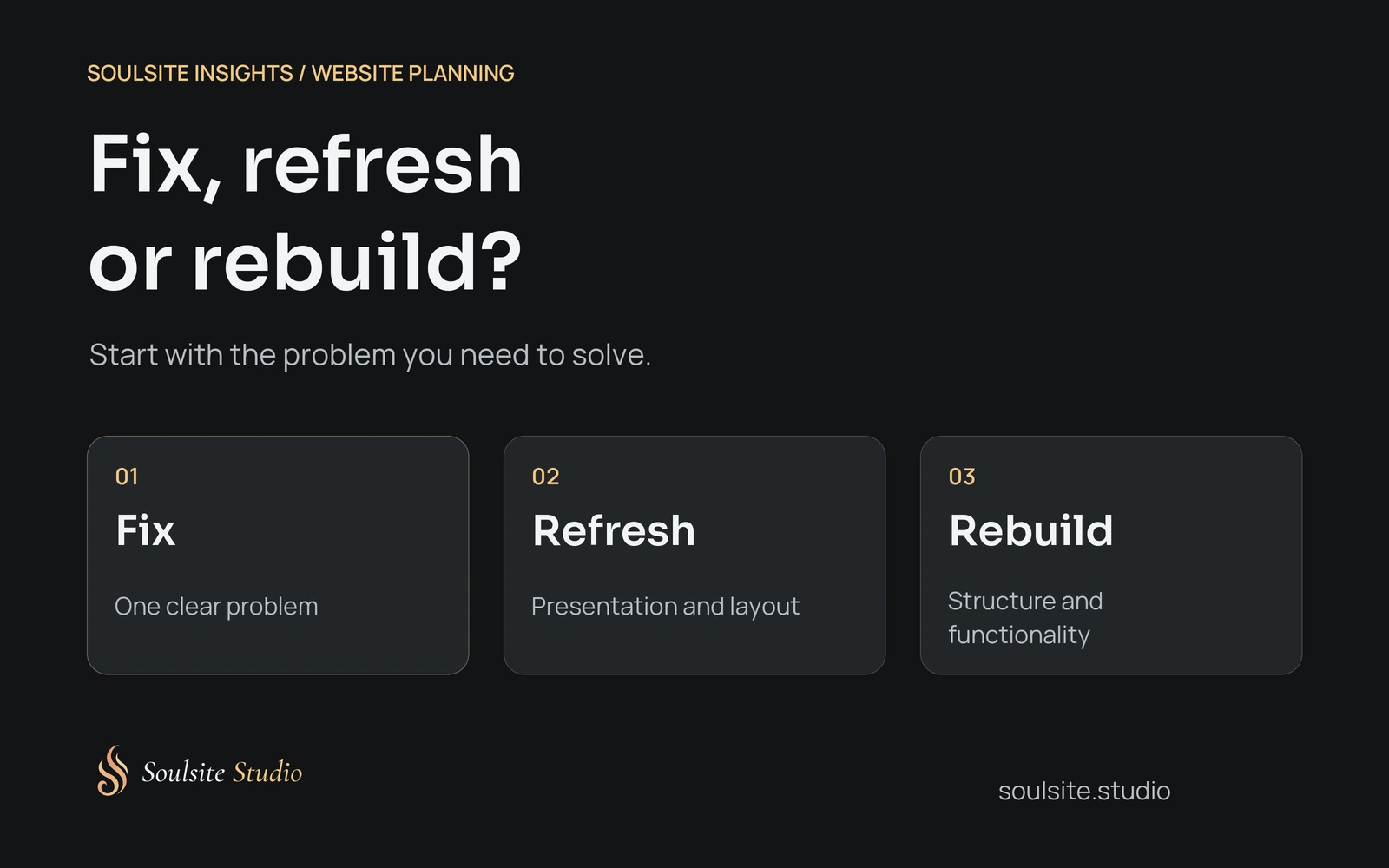
People use words like refresh, redesign and rebuild differently. When you’re looking at a quote, ask what the work includes and what will be kept. Here’s how I’d separate them.
A few focused fixes
The website still suits the business, but something needs attention. Perhaps your service area has changed, a link goes to the wrong place or the enquiry form asks for information you don’t need anymore.
I’d start with those changes and test them afterwards. If the rest of the site works for you, replacing it all would add work without necessarily solving anything else.
A design refresh
The content and setup are still useful, but the presentation needs work. Headings might be hard to read, the navigation might have grown awkward, or pages added over the years might look like they belong to different websites.
A refresh can take a fair amount of design work. You’ll still want to know which pages are changing and how the changes address the problem. Choosing another font won’t help if the information a customer needs is missing.
A larger redesign or rebuild
You may need to rethink the structure, content or functions of the site. A rebuild also changes how it’s put together, sometimes including the platform it runs on.
This is worth discussing if the website describes an earlier version of your business or can’t handle something you now need. Ask what can be reused. Useful articles, good photographs and accurate product information don’t lose their value because you’re changing the design.
Fixing a form and adding online orders
Let’s use two imaginary businesses to make this a bit more concrete. These aren’t client projects or measured results.
A cleaning company has a website that explains its services clearly and works on a phone. The owner can update it. The service-area list is old, though, and the quote form still asks about a service they stopped offering.
I’d update the list and form first. Then I’d check that the enquiry reaches the right person. Nothing in that situation has given me a reason to recommend rebuilding the whole site.
A florist has a different job ahead. Their website was made to show arrangements and contact details. Now they want customers to choose products, pick delivery dates and pay online.
They’ll need to work through the delivery rules, payments and what happens when an order comes in. The existing website might be able to support that. It might need a bigger change. Either way, a new homepage design won’t be enough on its own.
Use the information you have
Customer questions can help here. If people keep asking whether you serve their neighbourhood, check where that information appears. If an enquiry form doesn’t deliver a test message, you have something specific to investigate.
Website reports can add context, provided you know what’s being measured. A click on a contact link isn’t the same as an enquiry arriving in your inbox.
Google explains the difference between Search Console and Analytics: Search Console helps you understand how the site appears in Google Search, while Analytics helps you understand activity on the site. These can help you ask better questions. They won’t tell you that changing a colour will bring in more customers.
Be careful with a small amount of traffic. A quiet week could have several causes, including demand for the service or how people found you. You can fix something that’s clearly broken without claiming you’ve found the reason for every change in enquiries.
The same care applies to a speed-test score. Chrome’s Lighthouse documentation explains that results can vary with testing conditions. If a result concerns you, repeat the test under comparable conditions and look into the cause.
I’d include some basic accessibility checks too. Can you move through the page with a keyboard? Do form fields have clear labels? Can you enlarge the text and still use the page? W3C’s Easy Checks gives you somewhere to start. Passing those checks isn’t a full accessibility evaluation, so get a more thorough review when you need one.
When would I bring in a designer?
If you’re comfortable with your website editor, you may be able to update text, replace a photo or correct a link yourself. Make sure you have a backup and know how to restore the old version before changing something important. Check the actual page afterwards, including on your phone.
For WordPress sites, Site Health can flag configuration issues. It won’t tell you whether your services are explained clearly. If you don’t understand a warning, ask someone to look into it before changing settings.
I’d bring in a designer when the problem involves several parts of the site or you aren’t sure what the right change would be. You might have services that are difficult to tell apart, an enquiry process that’s become complicated, or pages that need a more consistent layout.
Ask them to explain what they’d change and why. A suggestion to give two different services their own pages and enquiry routes is easier to discuss than a promise to make the website more engaging. You can understand the proposed work without being promised a sales result.
The Soulsite Studio services page gives you an idea of how planning, design, content and technical work can fit together. You may only need help with part of it.
Ask what happens to your existing links
Before pages are removed or renamed, make a list of the important addresses people already use. There’s no need to change every URL just because the design is changing.
If an address does change, people using the old link should reach the relevant replacement. Google’s guidance on URL changes explains the mapping, permanent redirects and monitoring involved. Sending every old page to the homepage isn’t a useful replacement for that planning, and search visibility can fluctuate during significant changes.
You don’t have to handle that work yourself. You can still ask the designer how your old links will be looked after.
Before requesting a quote, write down what the website needs to do, what’s getting in the way and what you’d like to keep. Bring that to the conversation. It gives the designer something concrete to work with, including a reason to recommend a smaller job if that’s all you need.